 Commandix
Commandix guide
Security and Compliance Operations
Review access, authentication, audit records, and privacy requests. These controls support your security processes; this guide is not a claim of SOC 2 certification or a substitute for your organization’s compliance review.
Last reviewed September 19, 2026
View this screen in Commandix
 Enlarge
Admin checklist
- Set an MFA policy for privileged users and verify that they have enabled MFA in Profile. Do not assume this checklist automatically enforces an organization-wide MFA setting.
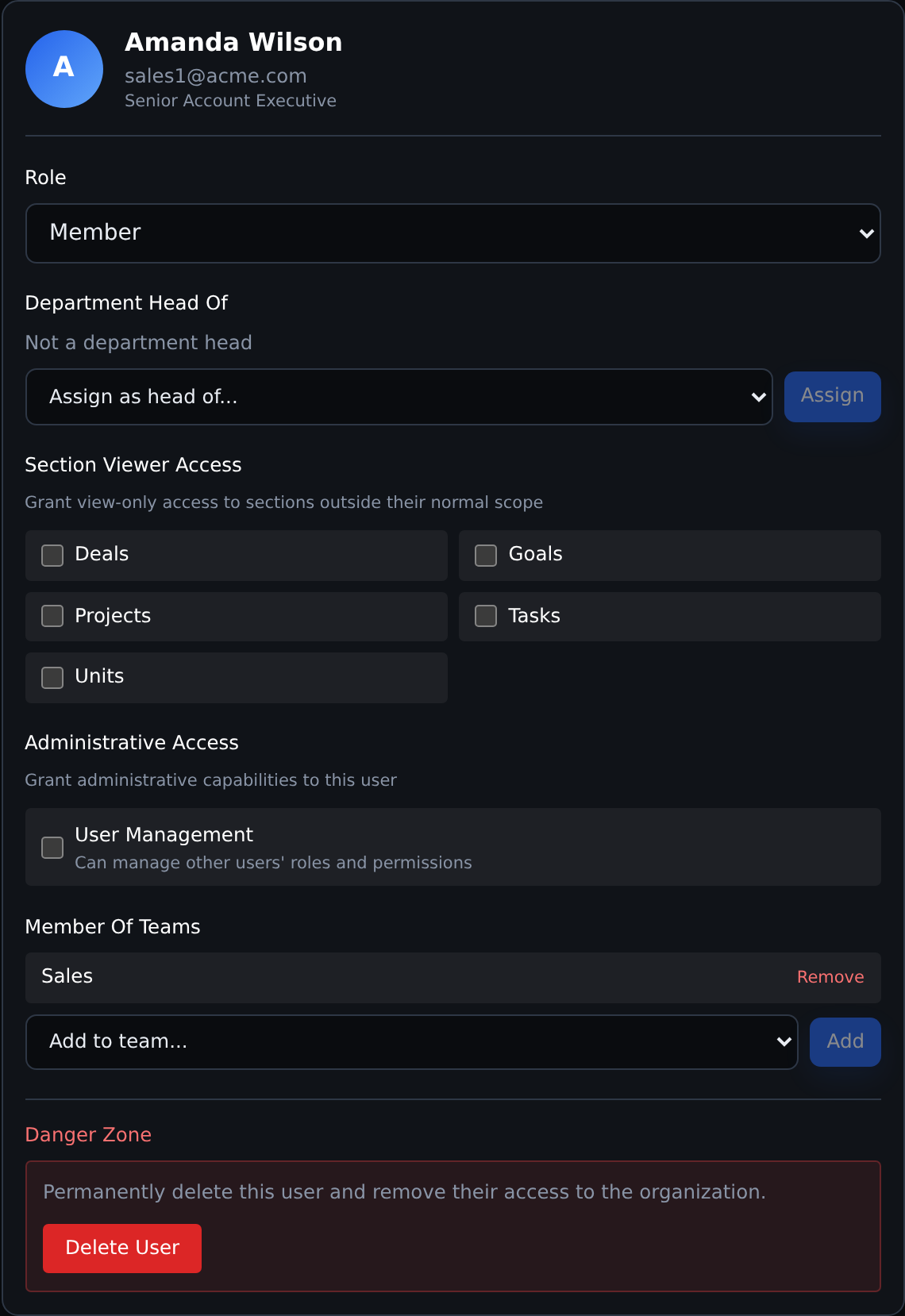
- Use OWNER sparingly. Use MEMBER plus unit manager/head or section access when possible.
- Review login events for repeated failures, MFA failures, and unusual user agents.
- Export audit logs for compliance reviews and incident investigations.
- Use section access for least-privilege visibility.
- Use the Entra search-and-select picker or reviewed CSV imports to reduce stale user administration without copying an entire directory.
- Remove access promptly after departure. Account removal deactivates access and preserves historical records; it is not a personal-data erasure request.
- Use privacy export and privacy request intake for data-subject workflows.
Evidence sources inside Commandix
| Evidence | Where | Why it matters |
|---|---|---|
| Activity audit logs | Settings -> Audit Log -> Activity Log | Shows create, update, and delete events with actor, entity, details, and timestamps. |
| Login events | Settings -> Audit Log -> Login Events | Shows authentication success/failure, MFA failures, IP address, and user agent. Share exports only with authorized recipients. |
| Security events | Backend security records, reviewed with an authorized administrator or support | Captures password changes, session revokes, and account security actions. There is no separate security-events browser in Profile. |
| Privacy requests | Profile -> Privacy and data rights | Creates a trackable request record for GDPR-style workflows. |
| Personal data export | Profile -> Export my data | Supports access and portability requests. |
| Role and section access | Settings -> Users | Supports least privilege and access review evidence. |
Help site security
The help center is static and served independently from the application runtime. It should be delivered over HTTPS, with security headers, a restrictive content security policy, no server-side login surface, and no writable application endpoints.